
These Setups provide the basis for the activity within the Module. This Menu provides the programs necessary to create the prerequisite information needed for Vendor Invoice and Check Processing.

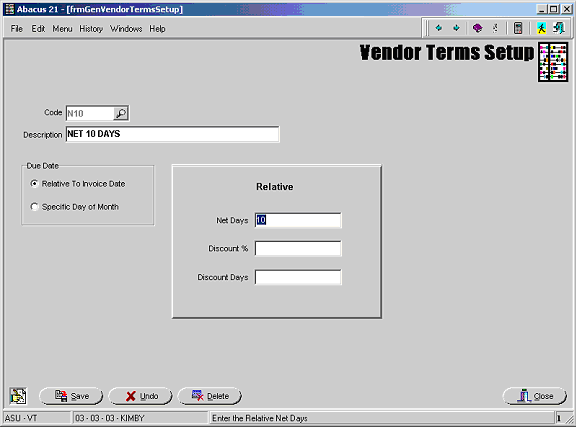
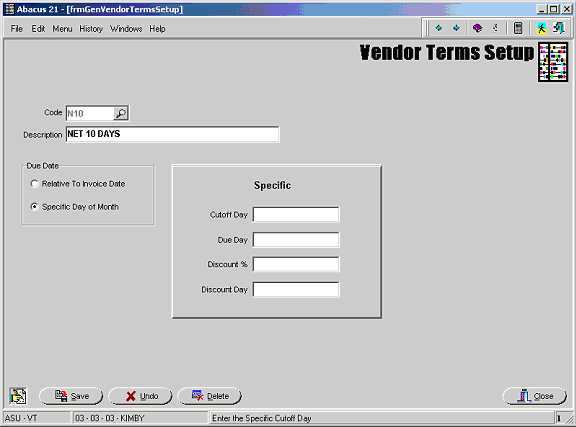
This option allows the user to define individual Terms Codes so that within the A/P Vendor Invoice Entry they may be associated with specific Vendors and Invoices.
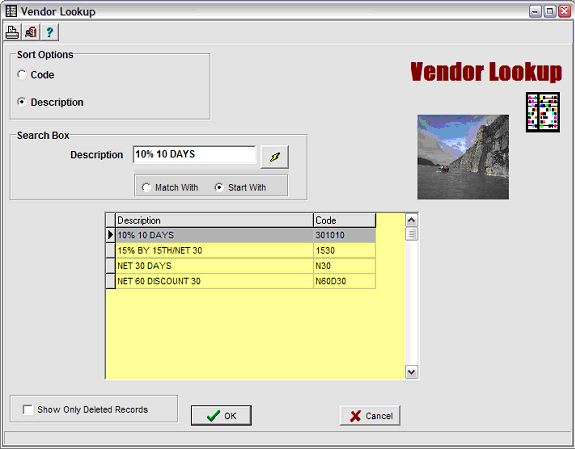
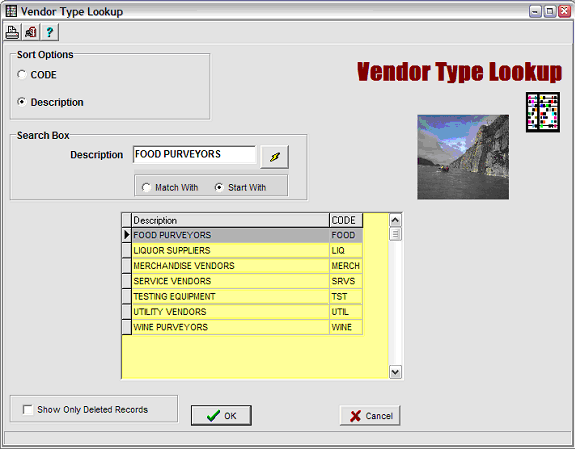
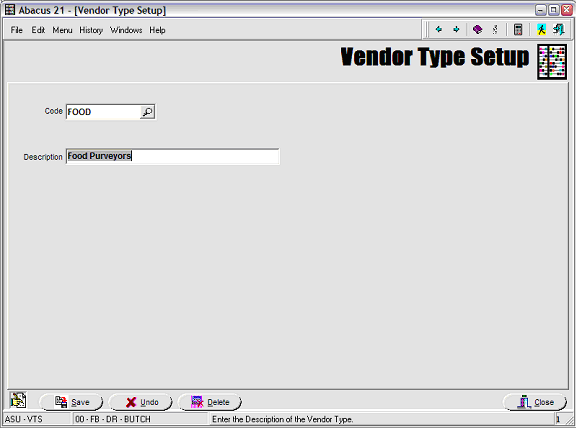
This option allows for the classification of Vendors or Purveyors (i.e. Food & Beverage, Retail, Etc.).
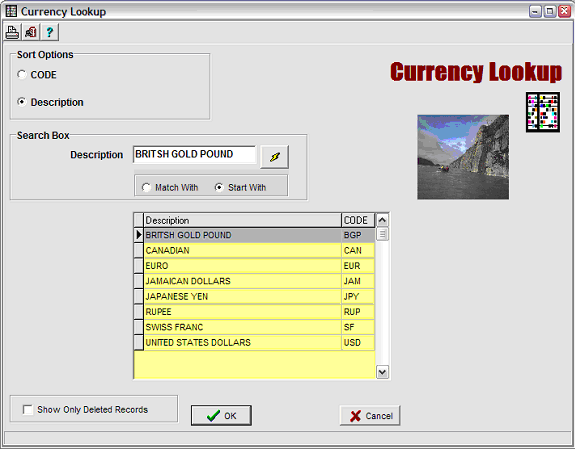
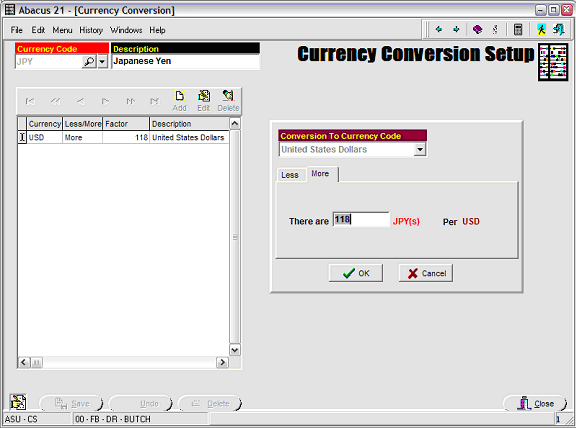
Allows the User to set a Currencies (and conversion rates) -- that can later be applied to Vendors-Purveyors.
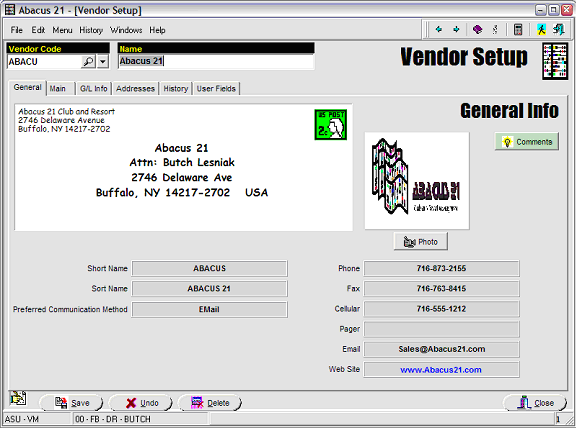
Vendor (Purveyor) Maintenance -
General Tab -
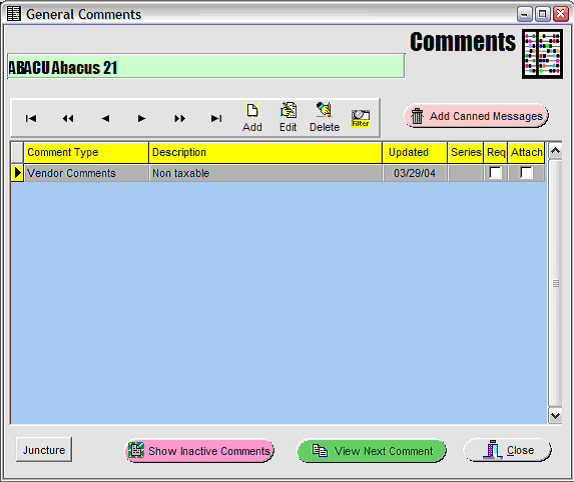
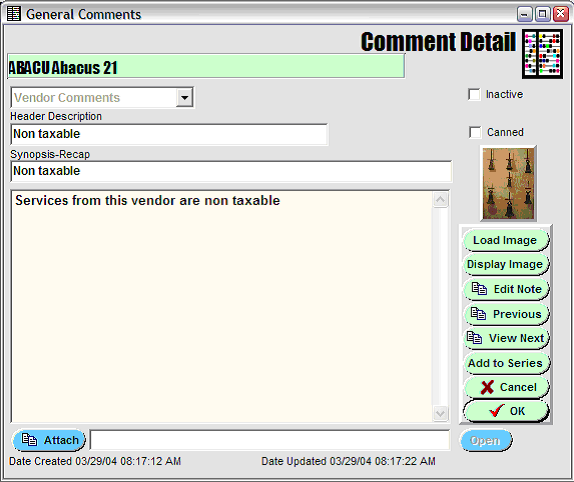
Comment-Narrative Routine on Vendor-Purveyor Maintenance -
Main Tab -

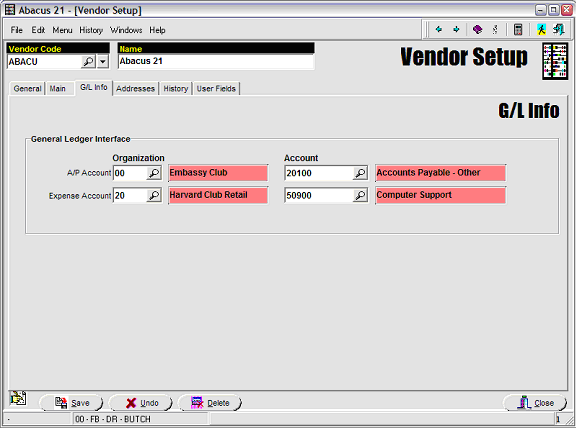
G/L Info Tab -
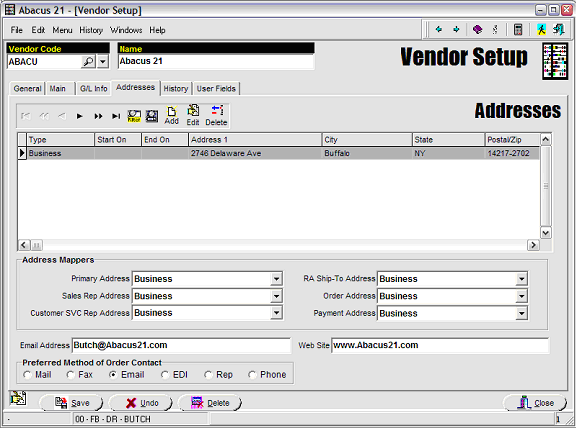
Addresses Tab -
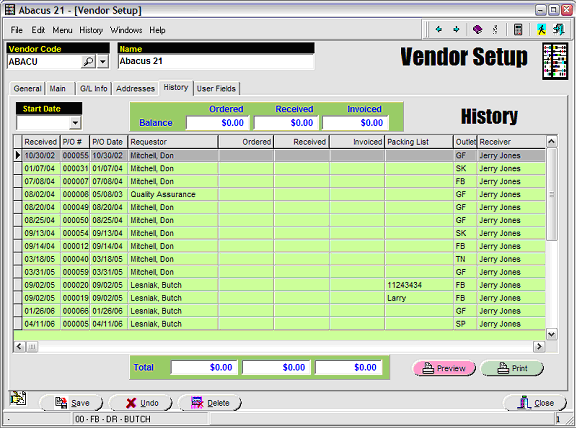
History Tab -
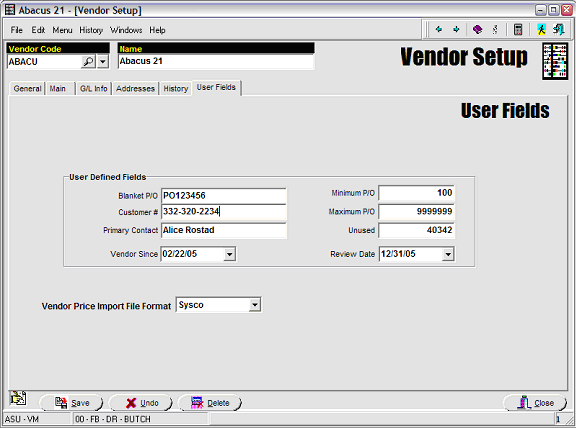
User Fields Tab -
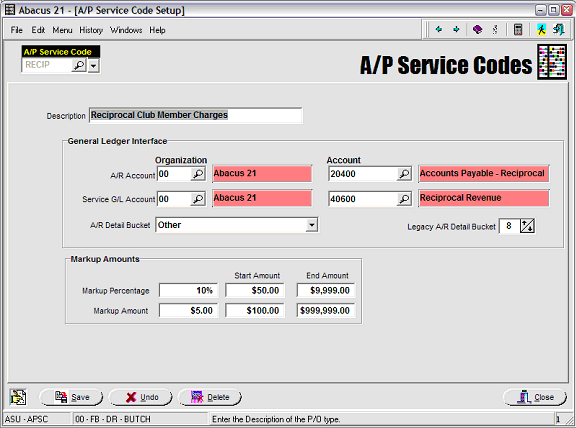
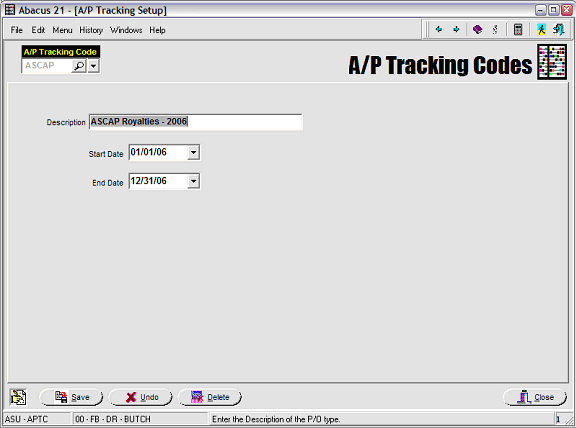
A/P Tracking Codes -
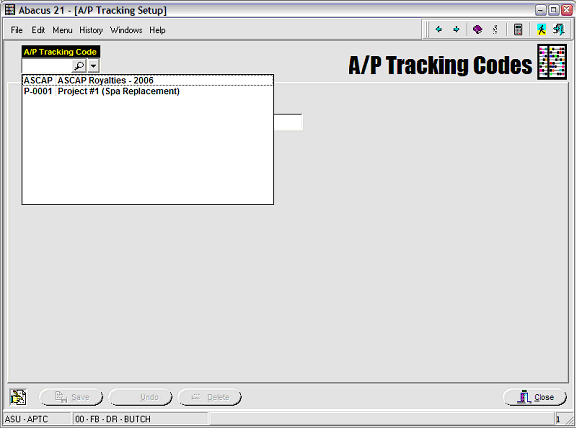
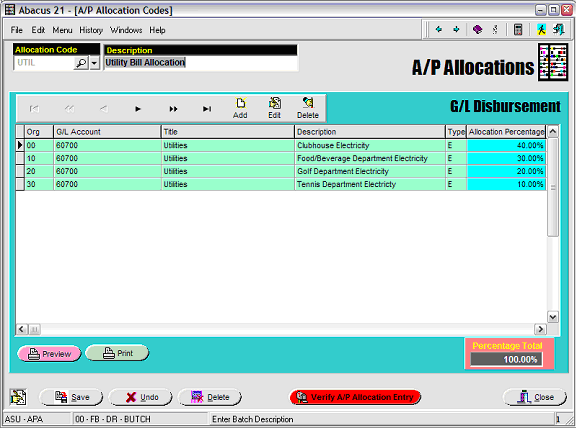
A/P Allocations -
Main Tab -
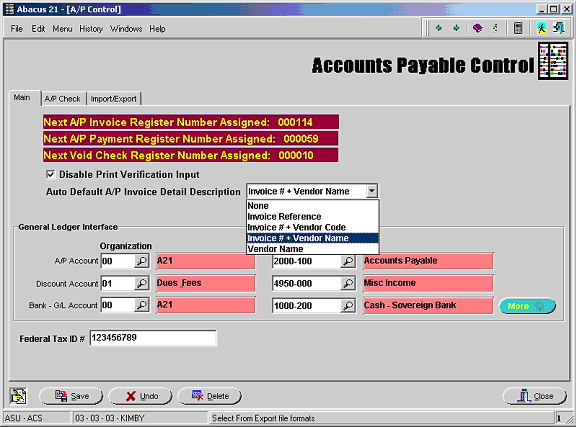
The Register Numbers shown cannot be altered. They are automatically assigned through the program.
Checking the “Disable Print Verification Input” box will allow the User to bypass the printing of the Register.
IT IS STONGLY RECOMMENDED THAT YOU DO NOT CHECK THIS BOX.
Auto Default A/P Invoice Detail Description – The selection will appear on the Check Stub.
None
Invoice Reference
Invoice # plus Vendor Code
Invoice # plus Vendor Name
Vendor Name
General Ledger Interface -
The appropriate Accounts must be added for General Ledger posting. This will define the default G/L Organizations and Accounts for the standard A/P Journal Entries that are created as a result of processing.
Clicking the magnifying glass will pop up a look up screen listing all G/L Organizations and Accounts.
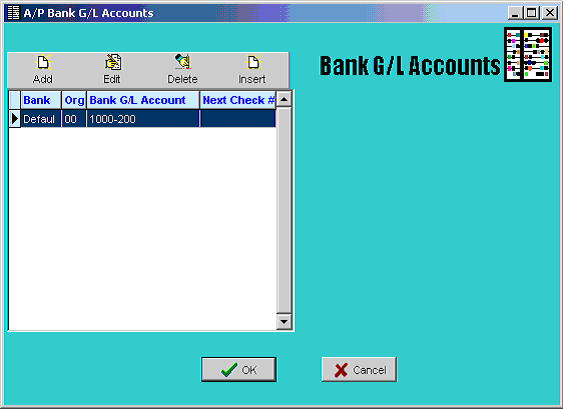
If multiple bank accounts are in use they can be added by clicking the 'More' button:
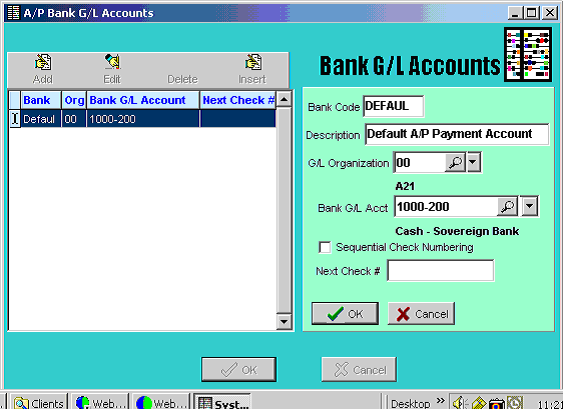
Federal Tax ID # is used when printing Year-End 1099’s.
A/P Check Tab -
This option allows the User to create the format for the physical Check.
Typically Abacus 21 assists in this process.
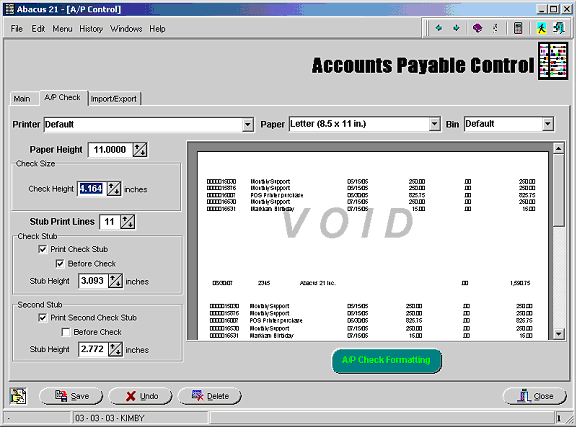
Abacus 21's standard (default) format is what you get if you do nothing... and accept what the A/P control presents on the screen.
To get back to square one, simply delete (or rename) the APCHECK.rtm file in the Abacus\Programs\ folder. The next time into A/P control, the format will default to 'standard'.