
This screen merely shows the Next Batch Number (to be) Assigned (automatically) by the System when a Re-Order Batch is created.
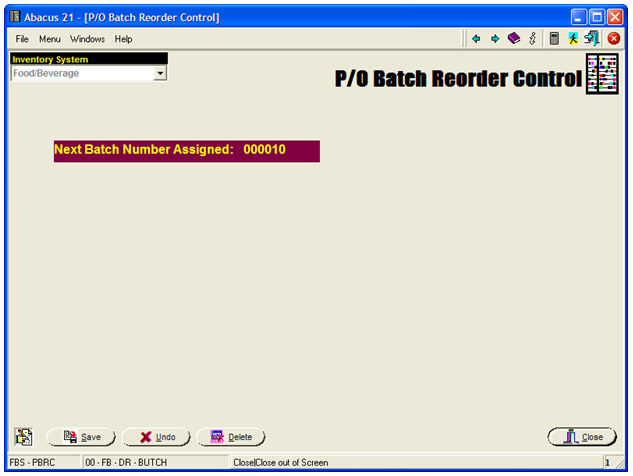
This screen is informational only.
Note that Re-Order Batches can be created by the following methods:
Manually
Automatically as a function of Automatic Par-Stock Replenishment
Ordering Templates
Downloads from Handheld 'Ordering' Scanners-Recorders
A very useful concept that is pertinent to Re-Order Batches, is that as a 'Batch', then are not restricted to any particular Vendor-Purveyor (as a true P/O-Entry is).
Therefore, within a Batch, you can designate Items to be ordered from various Vendors-Purveyors -- in other words, order 'this' from 'that Vendor' and 'that' from 'this Vendor' etc. etc.
In later Processing, the Batch is sorted out "by Vendor" or "by Purveyor" automatically -- then creating separate P/O's for each of the involved Vendors-Purveyors.
Once the respect P/O's have been created, they can be edited and added-to just as if the P/O had been created by hand.