This segment of setups defines the Pay Cycles, Pay Weeks, Regular-Overtime Definitions, etc. within the Timekeeping System.
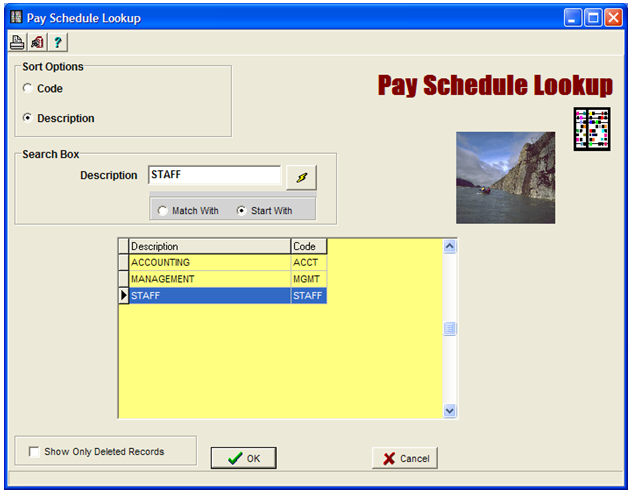
The following sub-sections are pertinent:
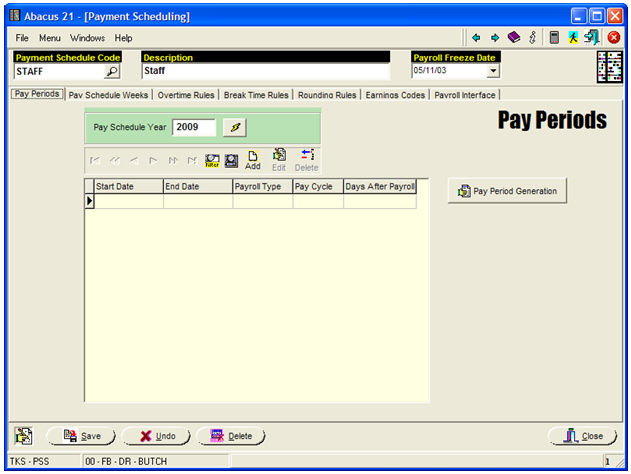
Note the 'Payroll Freeze Date' in the upper-right of the screen. It is 'set' by the Payroll Administrator to 'freeze out' any Supervisor-Manager corrections of TimeCard Maintenance Entries on/before the Freeze-Date... so that the Payroll Administrator has sole authority over any changes prior to that point.
To create a new series of Pay Periods, hit the 'Generation' Button in the above screen... and you will get:
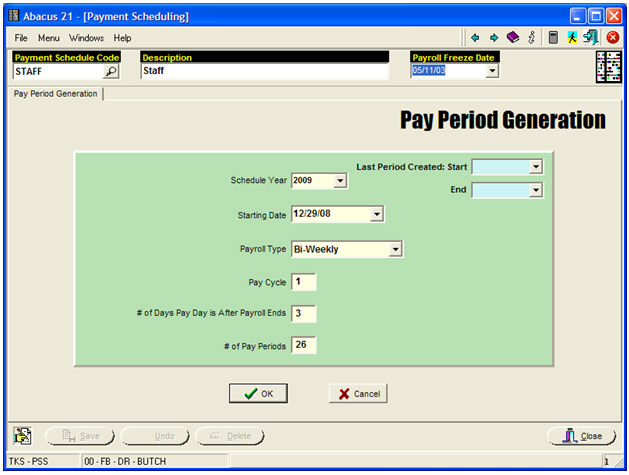
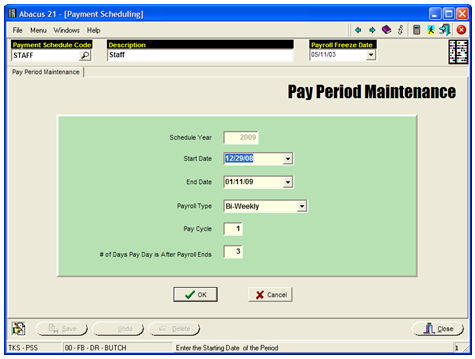
The above Pay-Period Generation creates twenty-six (26) Bi-Weekly Pay-Periods start with Monday, December 29, 2008... and indicates that the Payroll is actually paid three (3) Business-Days after the Pay-Period ends:
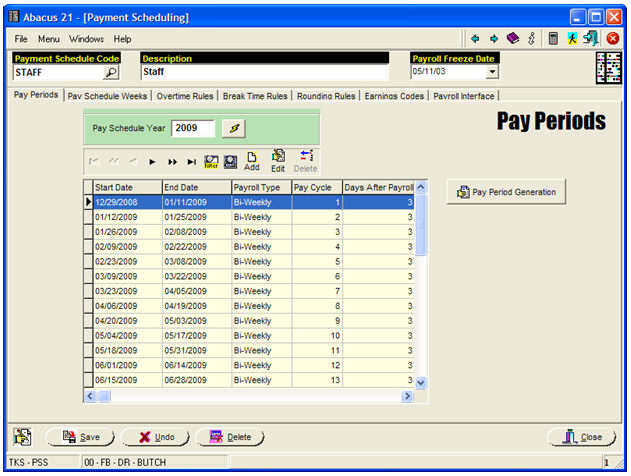
If any of the Pay-Periods need to be edited:
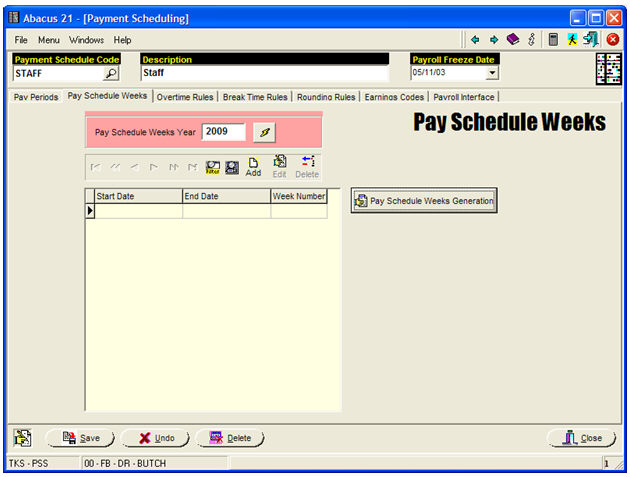
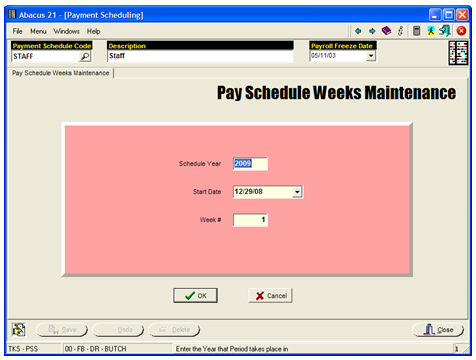
To create a new series of Pay Schedule Weeks, hit the 'Generation' button:
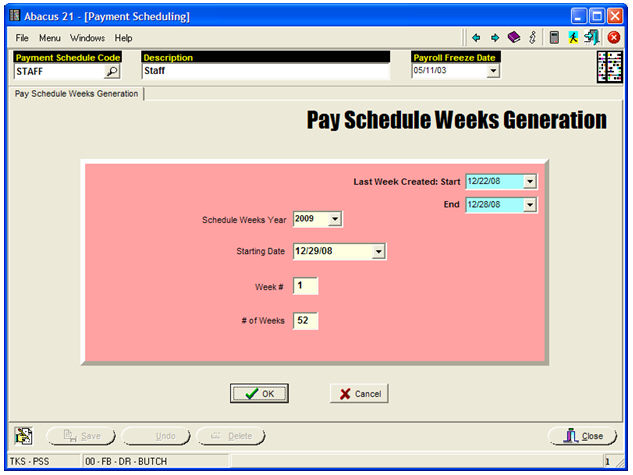
The above screen will 'number' the Weeks for Pay-Year 2009... and is primarily used for delineating Week definitions for the Timekeeping.
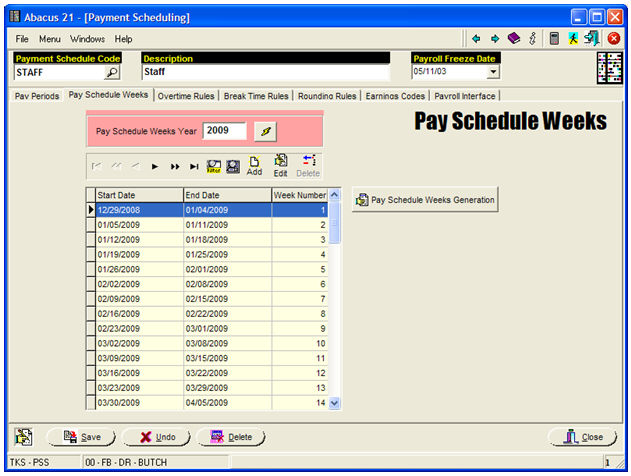
If any of the Pay-Schedule Weeks need to be edited:
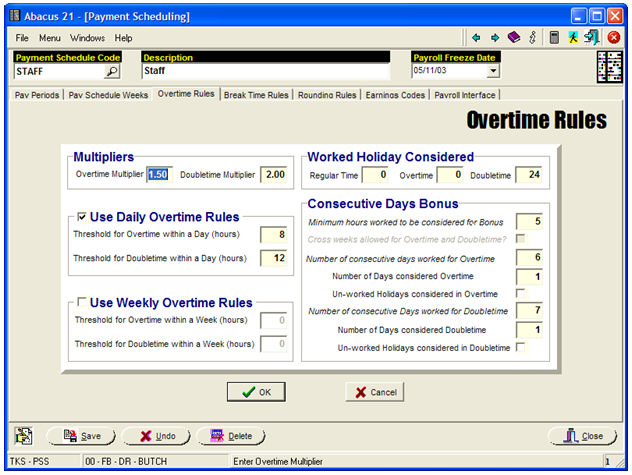
Establish the Regular & Overtime Rules using appropriate settings for you situation -- similar the above example's parameters.
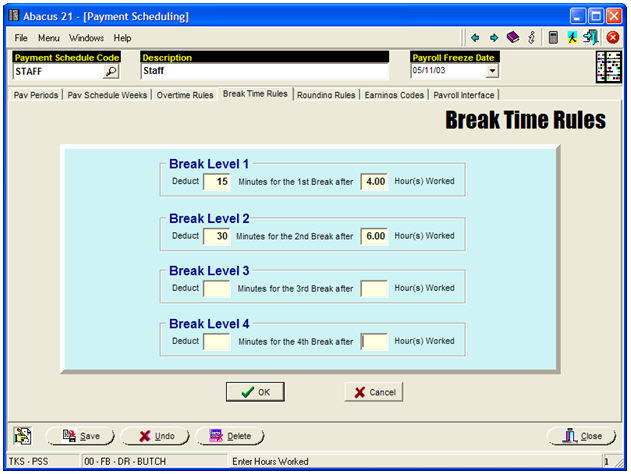
Establish the appropriate Break Time Rules... using parameters similar to those in the example above.
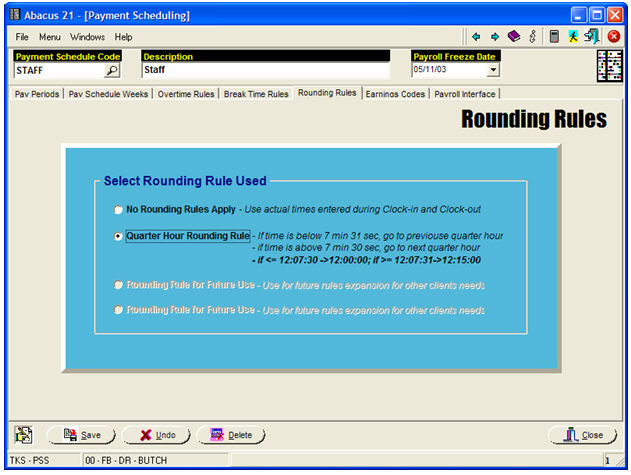
Establish the pertinent Rounding Rules... using settings similar to those of the above example.
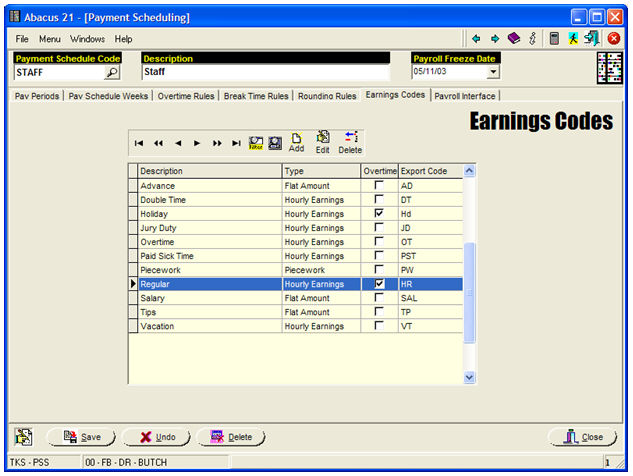
Establish the appropriate ensemble of Earnings Codes... similar to those in the above example.
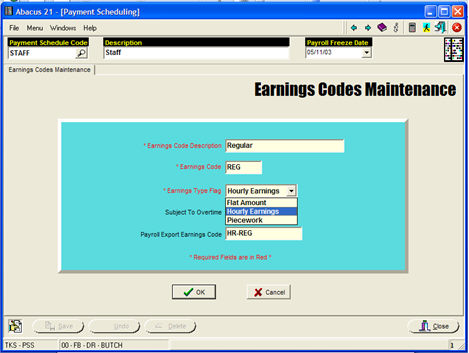
Note that this is the screen where you indicate the mapping from Abacus 21's Timekeeping Earnings Codes to the equivalent 3rd-Party Payroll System's Earnings Codes.

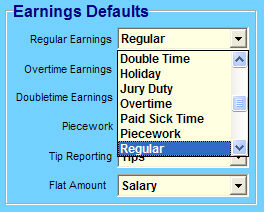
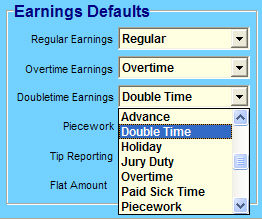
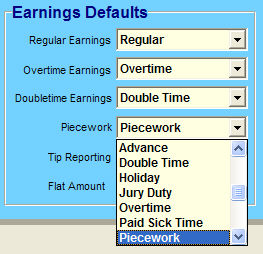
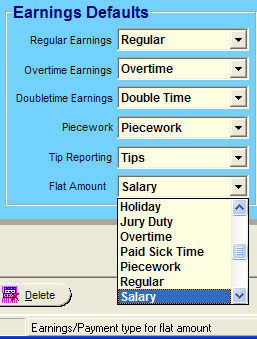
For the particular 3rd-Party Payroll System (in this example PayChex), specify the path for the Timekeeping Export file.... and the other pertinent Earnings Defaults to use... for example: