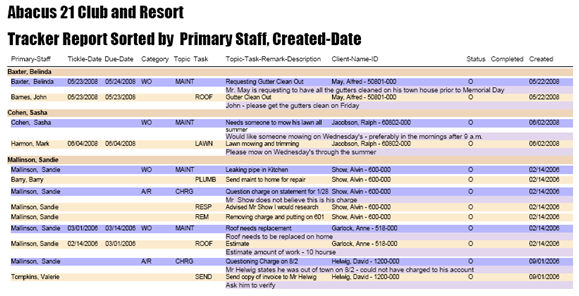
This section describes the options available when running the Tracker Report.
Selectivity within the Tracker Report can be done by a combination of filters at the following (mutually-exclusive) levels:
Tracker Topics (inclusive of assigned Staff filters and Date filters at the Topic level)
Tracker Tasks (inclusive of assigned Staff filters and Date filters at the Task level)
Tracker Client Filter: Additionally, the Tracker Report can filtered by selected Clients (utilizing, for instance, the Topical Selector to pre-filter Clients) -- bridging Prospects, Members, and Others [Client Types].
Tracker Report Sorting: Finally, for all included Tracker Categories the Tracker Report can 'sort' by Tasks or Topics or Dates... allowing the view of either Topics, Tasks, or both Topics-and-Tasks within the sorted presentation.
See the bottom of this section a sample of a Tracker Report.
The following is the sequence of run-time options available for the Tracker Report:
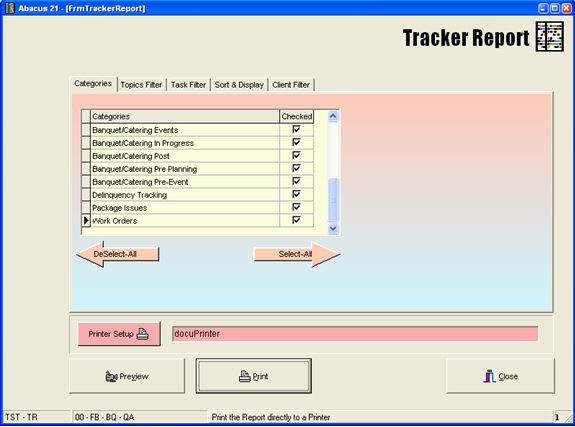
Select-All, DeSelect-All, or Check on/off which Tracker Categories you want included in the Report.
Topics can be selected as filters -- inclusive of filtering within them by assigned Staff and Date Types.
Topics Filter (within the Topics Filter):
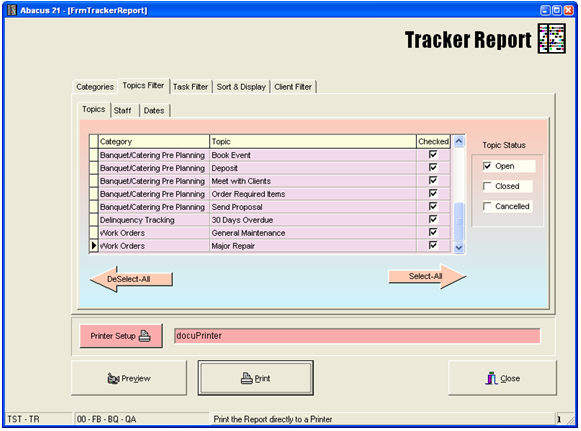
Within the selected Categories, select which Topic(s) are to be included -- and which Topic-Statuses (Open, Closed, Cancelled) are to be included.
Staff Selection (within the Topics Filter) -
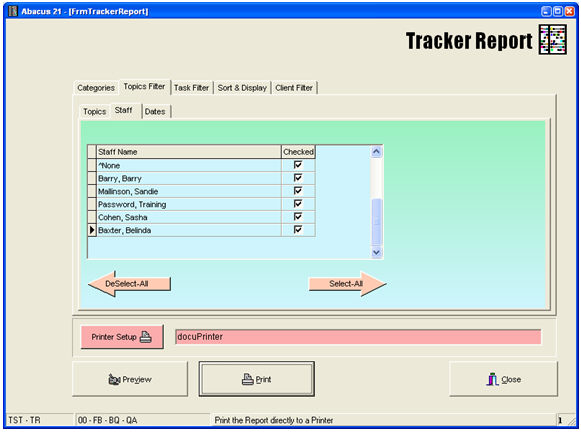
Select which Staff personnel are to be 'included' within the Topics selected.
Date Selection (within the Topics Filter) -
Four sets of Date-Types can contribute to the filtering of Topics within the Tracker Report:
Created-Date
Tickle-Date
Due-Date
Completed-Date
Note: Not selecting any specific Date-Type to be in the filtering implies that any/all Dates of that Date-Type will be included in the Report-run... unless some other criteria (Dates or Otherwise) knocks it out.
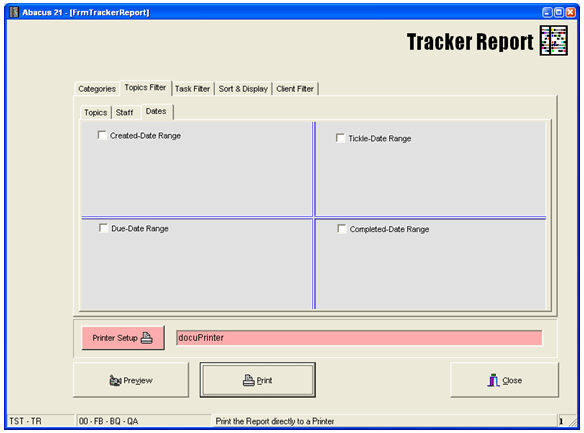
If it is desired to filter by any one or more of the Date-Types, click the appropriate Checkbox(es) and set the desired Date Range for the particular Date-Type (such as Due-Date in this example):

Tasks can be filtered... includes of their respective assigned Staff and Date-Types.
Task Selection (within the Task filter):

Select the desired Tasks to be included... inclusive of their respective Task Statuses (Open, Closed, and/or Cancelled) amidst the selected Tasks.
Staff Selection (within the Task filter):
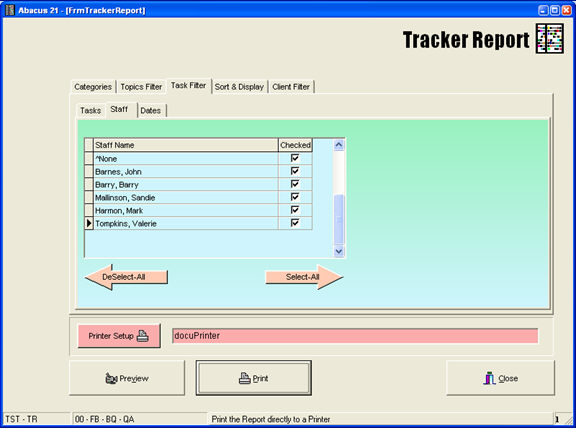
Select the desired Staff personnel that are to be included (within the selected Tasks).
Date Selection (within the Task filter):
Four sets of Date-Types can contribute to the filtering of the already-selected Tasks within the Tracker Report:
Created-Date
Tickle-Date
Due-Date
Completed-Date
Note: Not selecting any specific Date-Type to be in the filtering implies that any/all Dates of that Date-Type will be included in the Report-run... unless some other criteria (Dates or Otherwise) knocks it out.
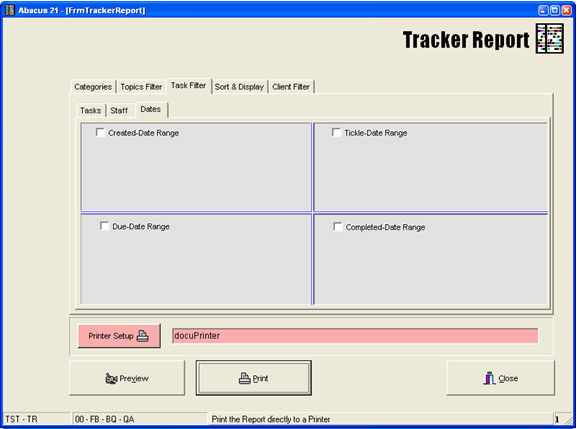
Click on the desired Date-Type Range choices to invoke a Date-Range selection for any of the four Types of Date filters for selected Tasks within selected Topics within selected Categories.
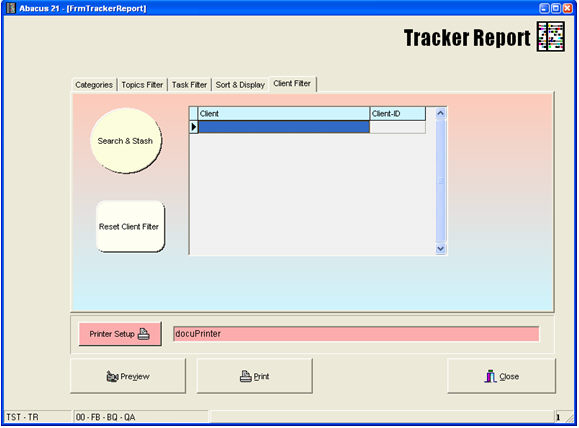
A series of Client-IDs and/or Names can be entered.... or the User can utilize the 'Search & Stash' option of the Client Topical Selector to establish a 'List of Clients' which to involve in the Tracker Report for additional Client-specific filtering:
The Tracker Report allows a number of styles for sorting the Report contents:

Overall the Report can be sorted at the 'Topic Level' or 'Task Level'.
Then, regarding the Dates, one of the Date-Types (Created-Date, Tickle-Date, Due-Date, Completed-Date) can be selected to be the (single) Date Type for the Report to sort upon.
The following Sort Options involving a Date are provided:
By Created-Date and then by Primary-Staff
By Tickle-Date and then by Primary-Staff
By Due-Date and then by Primary-Staff
By Completed-Date and then by Primary-Staff
Information presentation options include:
All (shows both Topics & Tasks)
Topics (shows only Topics)
Tasks (shows only Tasks)
Any of the these Options can also display the 'Remarks' fields if the 'Remark' Checkbox is selected.