
After the User has signed onto the Computer System and clicked on the Abacus 21 System Icon, the following screen will be shown:
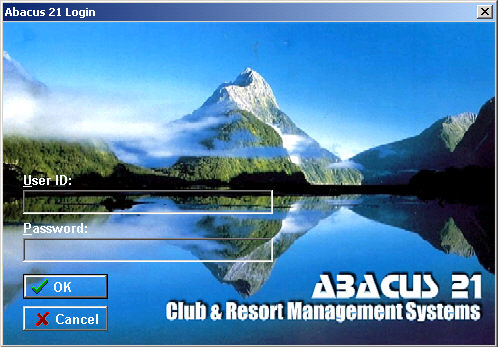
Enter a valid User ID.
User ID's (and their associated Passwords) are created and assigned by the System Administrator. Please see your Administrator if your User ID and/or Password combination does not work.
Enter a valid Password (that is associated with the User ID).
Your typing into this field will be in 'blind' mode... and will display asterisks for each character you type.
Hit this button (or the Enter Key) to submit the Log-In request.
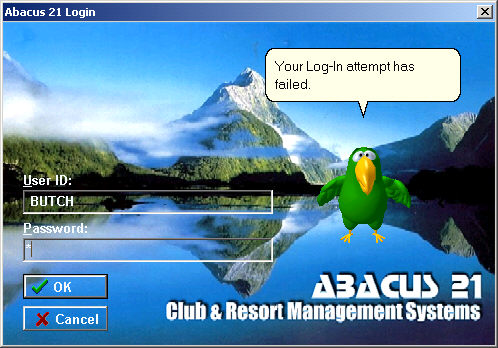
A faulty User ID and Password combination will invoke a series (three) of progressive 'rejection' notifications and each failed attempt -- each delivered visually and vocally by Peedy.
You can re-submit corrected User ID and Password combinations at any time during the rejection announcement -- up to three attempts before being automatically signed out of the System.
Hit this button to Cancel your Log-In request and exit from the System.