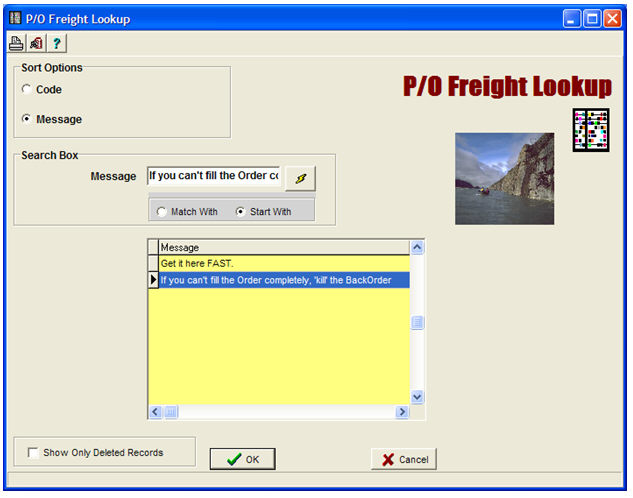
This Menu Option is used to created pre-defined (up to 2-line) Freight Messages -- one of which can be selected to be included in the header portion of a Purchase Order.
Note that more-verbose Comments can be pre-defined or created for the Header of a Purchase Order via Abacus 21's Comment-Narrative Routine Feature.
The Freight Messages are Inventory-System specific.

Inventory System - Select the pertinent Inventory System.
Freight (Message) Code - Create an appropriate Code for the Freight Message.
Message (Line) 1 - Enter the appropriate Freight Message.
Message (Line) 2 - Enter the appropriate Freight Message.
Below is a screen of several example Freight Messages: