

Abacus 21 provides three general types of Signature Capture Application options:
Clients (Prospects, Members, Other) -- where 'Other' can include Guests.
Staff
Signature-on-File can be used to visually-compare to a Transaction or Approval Signature.
Signature-on-File can be printed on Member-Guest or Staff Photo-ID Cards.
Point-of-Sale Signature Capture -
Captures the Customer's Signature associated with the Transaction.
Signature-on-File can be used to visually-compare to a Transaction Signature.
Document Approval or Check-In Signature Capture -
Sign-Off at Check-In Points.
Sign-Off Approval on Documents such as PO's, BEO's, Registrations, Requisitions, etc.
Signature-on-File can be used to visually-compare to a Check-In or Approval Signature.
Abacus 21's Signature Capture technology uses a PCI-compliant encryption methodology that does NOT require storing of the "Image" of the Signature (which could be 'copied & pasted)... but rather, we encrypt and re-construct the Signature when needed (for 'display' or 'printing').
Signature Capture applications are sold separately (per functionality) and require properly-configured 'Signature Capture Devices' and Abacus 21 Drivers and Software... utilizing either:
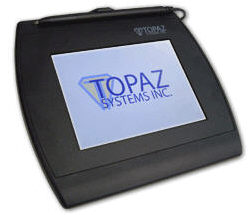
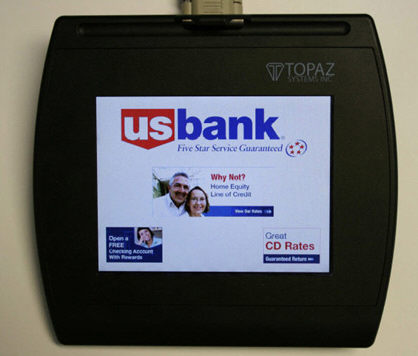
Signature Pads - typically used for Signature-on-File, Registration, Check-In, Approvals, and Retail POS. These Devices come in Monochrome or Color (extra) and have an optional Card Swipe.
Handheld Units (Tablet-PC or PDA-like Devices) - typically used for Food/Beverage POS... and mobile Registrations & Check-In's... and perhaps Approvals & Signature-on-File captures.
Contact Abacus 21 Sales for further information regarding Signature Capture functionality, application software, or devices.