This section describes the basic Purchasing Setups that are directly-related to the module (as opposed to, for instance, the associated Inventory or Accounting setups that are prerequisites -- and presumed to already have been done).
Note that these Purchasing examples are presented in a Food/Beverage context. They are similar for Retail etc.
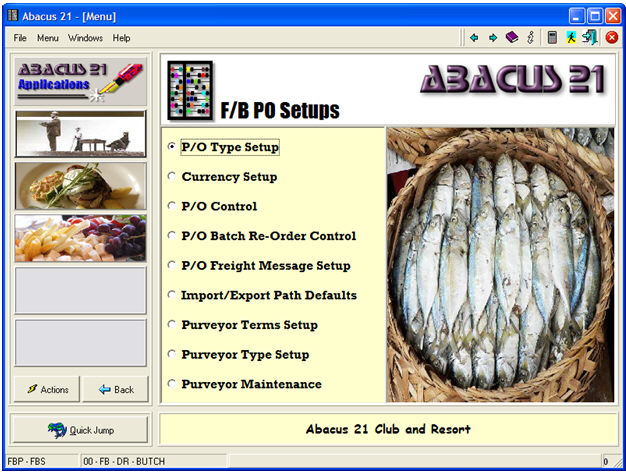
Inventory System (not on the above Menu; done with Inventory Setups)
Buyer & Receiver Staff Setup (not on the above Menu; done within Staff Maintenance)
Notes of Significance:
'Vendor' is the Merchandise-General vernacular for 'Vendor'.
'Purveyor' is the Food/Beverage vernacular for 'Vendor'.
'Vendor' and 'Purveyor' are used interchangeably.
If the distinction between Manufacturer-Vendor-Factor is not critical for the discussion, the phrase 'Vendor' is used most often.
Abacus 21 distinguishes between Manufacturer, Vendor, and Factor
Manufacturer is the entity that 'makes' the Item
Vendor (or Purveyor) is who 'sold' you the Item
Factor is who you 'pay' for the Item
For some transactions the Manufacturer, Vendor, and Factor are one-in-the-same -- for example: Ashworth makes Shirts, Ashworth sells them directly to you, and you have to pay Ashworth's A/P-Invoice for the Merchandise.
Buyer & Receiver Staff Setup -
Staff personnel you are authorized to 'create' Purchase Orders are called 'Buyers'. Staff personnel you are authorized to 'receive' against Purchase Orders are call 'Receivers'.
This individual must be pre-established in as "Staff" and must be assigned the Privilege to be a 'Buyer' and/or a 'Receiver'.
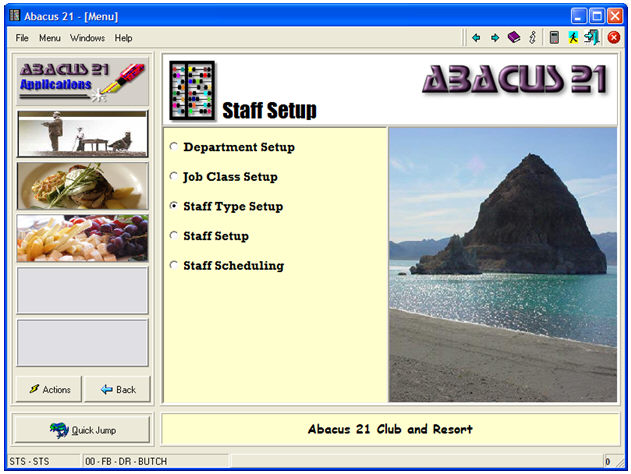
The setups for this are under Staff Maintenance (referencing Staff Types) under Staff Setup:
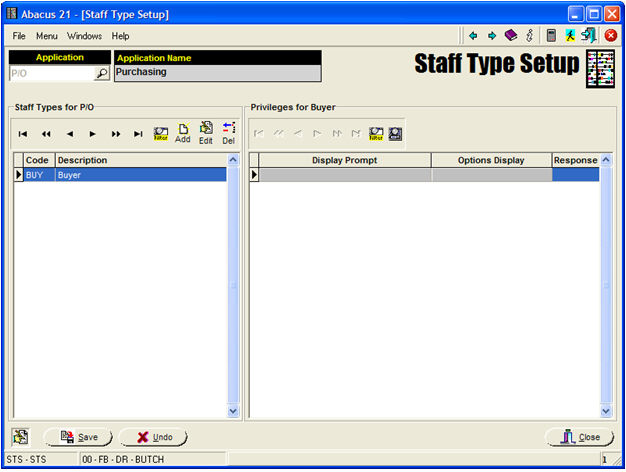
Under Staff Type Setup, within the P/O (Purchasing) Application, there is Staff-Type defined:
Buyer
Under the P/OREC (Purchase Order Receiving) Application, there is one Staff Type set up:
Receiving
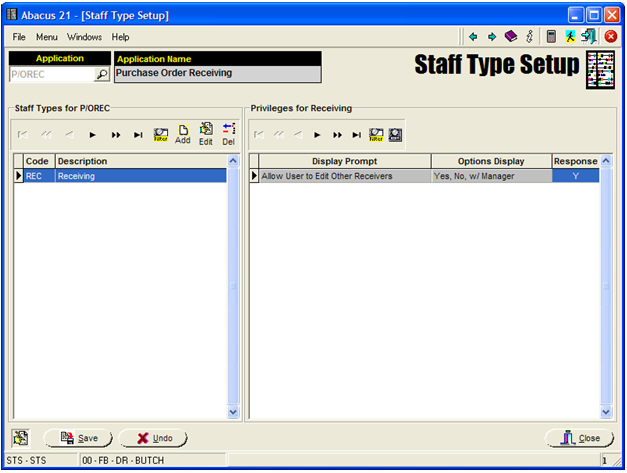
Under Staff Maintenance, set up anyone who is to be allowed to be a 'Buyer' or 'Receiver' as follows:
Buyer Setup -
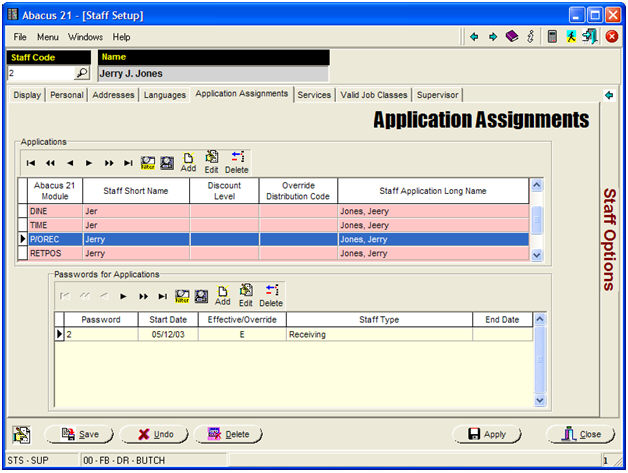
Under the Staff Person's "Application Assignments" tab, for the P/O (Purchasing) Application-Module, create a Staff-ID Password:
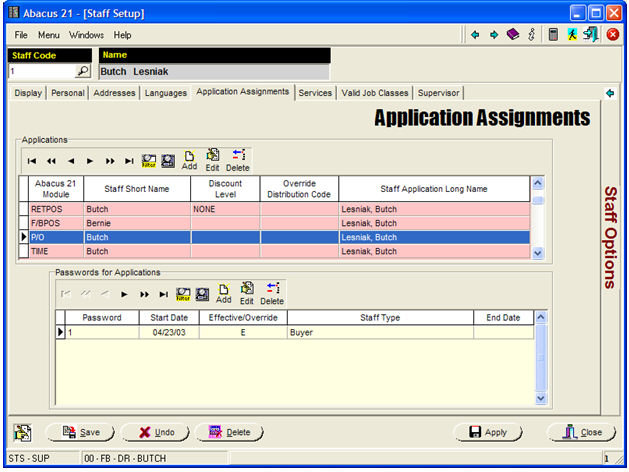
Receiver Setup -
Under the Staff Person's "Application Assignments" tab, for the P/OREC (P/O-Receiving) Application-Module, create a Staff-ID Password: